Local AI In Practice
In practice
What we would actually deploy: which model for which job, how it performs, the setup checklist, and where to leave headroom.
Page updated 2026-09-22
This page is for the person who has decided the idea is worth testing and now wants to know what we would actually deploy: which model for which job, the setup checklist, the operational limits, and the media verdicts.
What a sensible small-firm deployment looks like
The most important lesson from the benchmark is that the largest model that fits is usually not the model you should run.
For ordinary document work, a well-chosen model in roughly the 24B to 30B range gave the best balance of speed, quality, and operational headroom.
Smaller models can be useful for simple classification and extraction.
Very large and reasoning-heavy models are slower, consume much more memory, and did not remove the quality gap that matters most in ordinary professional drafting.
Recommended everyday workloads.
- Document reading and summarisation: strong use case. The source material gives the model a factual anchor, so review can be lighter here than on open-ended drafting - the source is in front of you to compare against. That is a statement about effort, not about whether to check: how much checking a given output needs still follows from what it costs to get it wrong.
- Structured extraction: strong use case when the required fields and output format are clearly defined.
- Draft correspondence: useful first draft, but read and edit it before use.
- Triage: fast, but do not assign a small model to decisions where a plausible mistake carries significant consequences.
- Meeting transcription: particularly attractive for confidential meetings. Use proper voice-activity detection rather than raw Whisper transcription.
- Office tools: useful for mechanical operations such as creating a Word document. Keep consequential judgement separate from the action.
See it in action
90-second explainer video
A narrated chart walkthrough - script by the local model, voiced by Piper, assembled with ffmpeg, all on the box.
Two-minute audio overview
A two-voice conversation, voiced on the box by Chatterbox TTS. Good, but not cloud-studio grade - see the audio quality verdict below.
Both were generated by the box itself - how, and who did what.
Meeting intelligence, end to end on the box
The newest workstream runs a full meeting pipeline on-prem: audio in, an attributed transcript out, nothing leaving the building. Three findings define what is real here - one where we are strong, one where the honest answer is a caveat, and one where a specialist tool still beats us and the win is a different question.
Transcription: accurate, and the bigger model wins
On the standard read-speech benchmark (LibriSpeech test-clean, against human transcripts), local Whisper large-v3-turbo transcribes at a 2.40% word error rate - matching the model's published figure, which checks the harness as much as the number. We tested our own hypothesis that a smaller model might transcribe better and it is false: small is worse (3.35%), and large stays about 28% more accurate on real meeting audio too. This is the easy case - clean read speech - and a model comparison, not a meeting-accuracy figure.
Silence: voice-activity detection is mandatory
Whisper invents speech from silence. Without voice-activity detection it fabricates about two utterances per minute of silence - 97% of them the phrase "Thank you." - and turning voice-activity detection on removes them completely (zero across 72 test conditions). This is a well-documented failure mode in the literature (Koenecke et al., FAccT 2024), reproduced here on a local stack - not a discovery. One reframing is ours: counted by volume the smaller model hallucinates more, but counted by harm the larger model is about five times worse, because it emits grammatical English a reader cannot tell from a real utterance while the small model labels the gap as blank.
Speaker attribution: ask the right question
General diarisation - separate every speaker - is hard, and we do not win it: a specialist pipeline (pyannote) still beats our best hybrid roughly three to one. Two results are keepers anyway. An on-prem box needs no headset per person - a single distant table microphone lands within about one error point of close-talk headsets, against a predicted eight-point penalty. And reframing the question from "who is everyone" to the binary "is this the host or someone else" tags 97.2% of transcript lines correctly from a single four-minute voiceprint of the host, across four real calls. The difficulty inverts - more people in the room makes the binary question easier - and that is the abstraction meeting intelligence actually needs.
Which model for which job
| Task | Model | Speed | Typical latency | Notes |
|---|---|---|---|---|
| Interactive chat (quick questions) | Qwen3-30B (workhorse) | 92.3 tokens/second | 3-5 seconds | Best balance of speed and quality; default choice |
| Document summarisation (5-50 pages) | Qwen3-30B (workhorse) | 67-92 t/s | 20-45 seconds | Reads and compresses reliably; 93.3 percent accuracy on custom legal-style test documents |
| Data extraction (JSON, structured output) | Qwen3-30B or Qwen3-4B | 92 t/s / 140 t/s | 2-5 seconds | Workhorse scores 87.5 percent on instruction-following; the small model is faster and scored comparably on the tested suite (91.7%, within suite noise - both near the ceiling) |
| Long-document work (30-80 pages, 16K-64K tokens) | Qwen3-30B (workhorse) | 67 t/s generation, 95s first answer at 48K | 95-400 seconds first, 5+ per follow-up | Reliable retrieval to 80K tokens; interactive ceiling 48,000 tokens; prefill is the bind |
| Email/letter drafting | Qwen3-30B | 92 t/s | 5-10 seconds | Excellent instruction-following; respects format constraints |
| Triage and categorisation | Qwen3-4B (small model) | 140 t/s | 1-3 seconds | Smaller, faster, sufficient for simple classification; reserve workhorse for complex reasoning |
| Meeting transcription | Whisper (speech-to-text) | 28 times real time | 2 minutes per hour of audio | Not an LLM; deterministic; accuracy depends on audio quality |
| NOT suitable for this box | Any reasoning model (MiniMax M2.7, Qwen-397B, magistral) | slow | 3-12× tax per query | Reasoning overhead breaks instruction-following; use cloud for multi-step logic |
A working day: measured task timings
Four-person solicitor practice, one box:
Draft client email
2K tokens → 100 words
3 sec
Summarise precedent
~12,000 words (16K tokens) → 300 words
95 sec
Extract JSON from invoice
2K tokens → 50 tokens
2 sec
Draft contract clause
8K tokens → 200 words
25 sec
Two associates ask simultaneously
2K + 4K → 100 + 200 words
4-5 sec
One-hour meeting transcription
60-minute WAV → full transcript
2 min
Nightly batch run (unattended)
100 documents → summaries
~2-3 hrs
Ordinary requests feel interactive. Response time degrades gracefully rather than abruptly as load increases, and the recommended everyday models ran these workloads without failure across the test window.
Setup checklist
Hardware (once):
- Place the box on a desk with good airflow (it draws roughly 80-110 W at the wall under load, a few watts idle)
- Power to mains; ethernet to your network (WiFi is optional, not required)
- Budget €3,680 total (€2,960 net + import VAT) cash outlay (hardware ~€3,000 net, VAT ~€720 for Ireland)
Software (once):
- The test unit was configured with Ubuntu 24.04 and the documented inference stack; a retail unit's software may differ. Running it as a shared service needs some technical administration (below), not just plugging it in.
- If you want to switch quantisation levels (trading speed for memory), download a different quantised version of your model (takes 5-15 minutes depending on file size and network speed).
- If you want to replace the workhorse (Qwen3-30B-A3B) with a different model, download it the same way. Model URLs are publicly available on Hugging Face.
Running inference (per query):
- Serve the model behind an authenticated, TLS reverse proxy on a restricted interface - not an open plaintext endpoint. Bind llama-server to localhost, put a proxy with per-user credentials in front, restrict firewall access by host or subnet, and encrypt the disk and backups. Treat the box as a shared service that needs basic server hygiene (patching, access control, logging/retention). Local inference removes the external AI provider from the model data path; these controls are what make the resulting local system a responsible deployment.
- Send a prompt. The box processes it locally. No cloud call is made.
- The response comes back. In the tested configuration, the prompt and document were not sent to any outside AI provider.
Operational boundaries:
- One box fits most workloads well. If you have sustained high concurrency (all four people asking questions simultaneously, all the time), add a second box.
- The memory ceiling (128GB unified) means the largest models (Qwen3-397B at extreme compression, GPT-OSS-120B) approach or touch the limit. Under specific conditions (heavy I/O during model load + fully-saturated GPU), a rare kernel deadlock can occur; recovery is a hard power cycle (2-5 minutes downtime). This does not apply to smaller models (under 50GB).
- Backups and bulk processing do not interfere with interactive queries. Run a nightly batch job on 100 documents while people ask questions during the day; the box handles both.
Small-team rules
One box can serve a small team whose AI use is intermittent. When several people request substantial answers at the same moment, they share the available speed, so it should not be presented as giving every user a full-speed interactive session concurrently.
This is not marketing language. It is an operational constraint with practical implications:
- One person gets full speed (92 t/s).
- Two people ask at the same time, each gets roughly half speed.
- Four people asking simultaneously: queuing delay becomes noticeable (30-60 seconds for the first response).
- Sustained load (four people all asking continuously) requires a second box.
For a practice where AI use is intermittent (one query per person per hour, not 100 per minute), one box is sufficient.
Local-first and cloud-escalation rules
Use the local box for:
- Routine document work (summarisation, triage, extraction) - faster, cheaper, private
- Scheduled batch processing (overnight summaries, batch tagging)
- Any work subject to confidentiality constraints
Escalate to cloud when:
- You need hard reasoning (multi-step logic, novel problem-solving)
- You need speed (cloud responds in seconds; local prefill at 32K tokens takes 95 seconds)
- You have unusual scale (more than 4-5 concurrent users, sustained high throughput)
- The task is outside your model's training data (cloud models see more recent information)
Hybrid approach (recommended): route by the task property, not by a blanket percentage.
- Routine document work (summarise, extract, triage, draft) → the local box. In practice this is the bulk of the traffic, and it is the confidential work you most want kept in-house.
- Genuinely hard, multi-step reasoning → a frontier cloud tier (e.g. GPT-5.6-Sol) - only when the material is not confidential. This is where cloud still leads; a cheap tier is not a substitute for a frontier reasoner here.
- Speed-critical or over-long documents (beyond the ~48K interactive ceiling) → any cloud tier for latency, again only for non-confidential material.
- Net effect: privacy and control on the bulk of the workload, cloud reserved for the cases it genuinely wins - not a fixed 80/20 split, but whatever share of your work actually needs the frontier or the speed.
Operational headroom
Do not run production workloads at the largest model size the machine can technically squeeze into memory.
Our extreme tests deliberately approached the 128 GB boundary and found combinations that could lock the graphics stack and require a hard restart.
The normal models we recommend are far smaller.
Keeping substantial memory headroom gives you a faster and more predictable system, and there is little evidence from this benchmark that running an enormous model improves the everyday professional workloads enough to justify operating near the limit.
A sensible pilot configuration
- Start with one general-purpose local model.
- Add local speech-to-text if meetings are an important use case.
- Expose only a small number of clearly defined office tools.
- Keep consequential actions behind deterministic checks or human approval.
- Choose three or four real workflows.
- Measure the result on the firm's own material.
Only add complexity when a measured problem gives you a reason to.
Also tested: media capabilities
Audio quality verdict
How we picked the engine
Voice quality cannot be judged from a spec sheet, only by ear. So we ran a small human-in-the-loop evaluation: pick a candidate engine, generate the same lines, listen, keep or reject, and record why. Three engines, in order:
| Engine | Size | Verdict by ear | Why |
|---|---|---|---|
| Piper (medium) | ~20M | rejected | Flat, monotone - "news reader" delivery, the male voice especially. Expressiveness knobs helped marginally; the model class was the limit. |
| Kokoro-82M | 82M | rejected | More natural than Piper, and post-processing (reverb/EQ/loudness) + speed and arrangement all helped - but still read as robotic. Post-processing cannot rescue a flat synthesiser; it just puts a flat voice in a nicer room. |
| Chatterbox (Resemble AI) | ~0.5B | adopted (for now) | Its emotion-exaggeration control gives genuinely expressive delivery. Good enough to feature. |
This comparison judged engines for the expressive two-voice podcast. The two verdicts are consistent, not contradictory: Piper is good enough for a flat, functional read-aloud but not for expressive delivery.
The pattern is the real lesson: quality tracks model scale here, and the fix for "robotic" was a bigger, more expressive model, not more knob-twiddling on a small one.
The realistic ceiling: still not NotebookLM
Even Chatterbox does not match a polished cloud product such as Google NotebookLM, and that gap is worth stating plainly, because it is exactly the trade-off this whole report is about:
- NotebookLM is a cloud service. To get that broadcast-smooth, banter-rich result, your source material is uploaded and processed off-device - it leaves the building.
- Local TTS keeps everything on the box - private, free at the margin - in return for speech that is now good, but not yet studio-grade.
Bottom line
| Local (on-box) | Cloud (e.g. NotebookLM) | |
|---|---|---|
| Privacy | nothing leaves the building | content uploaded off-device |
| Cost | free at the margin | per-use / subscription |
| Quality | good, expressive, not studio-grade | broadcast-smooth |
| Best for | private narration, internal overviews | public, polish-first audio |
Use local TTS when the material is sensitive or the volume is high; reach for a cloud generator only when the audio itself is the product and the content is not sensitive.
Image quality verdict
Model: FLUX.1-schnell, 4-step generation | Sample: 50 images, 1024x1024px, generated locally | Assessed: 2026-07-06. The full image-by-image evidence table ships in the data repository rather than rendering here.
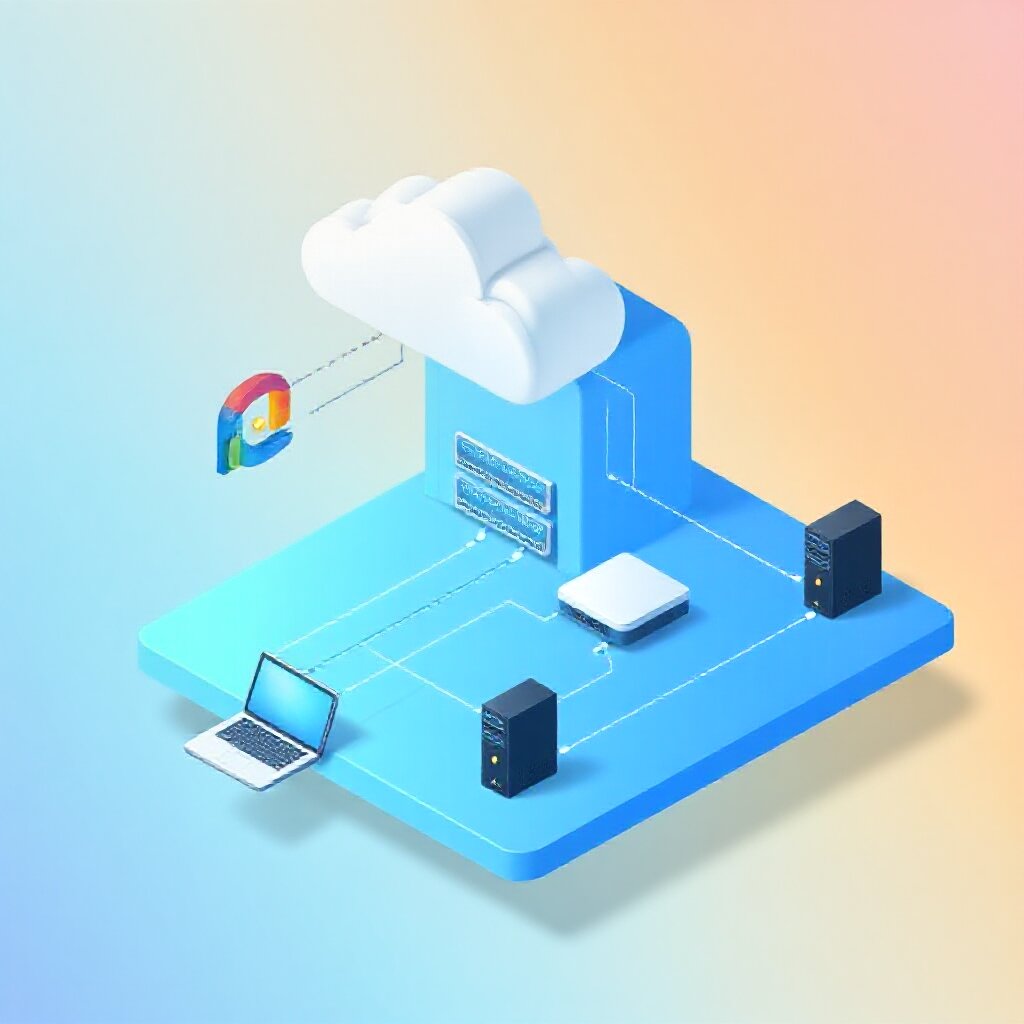
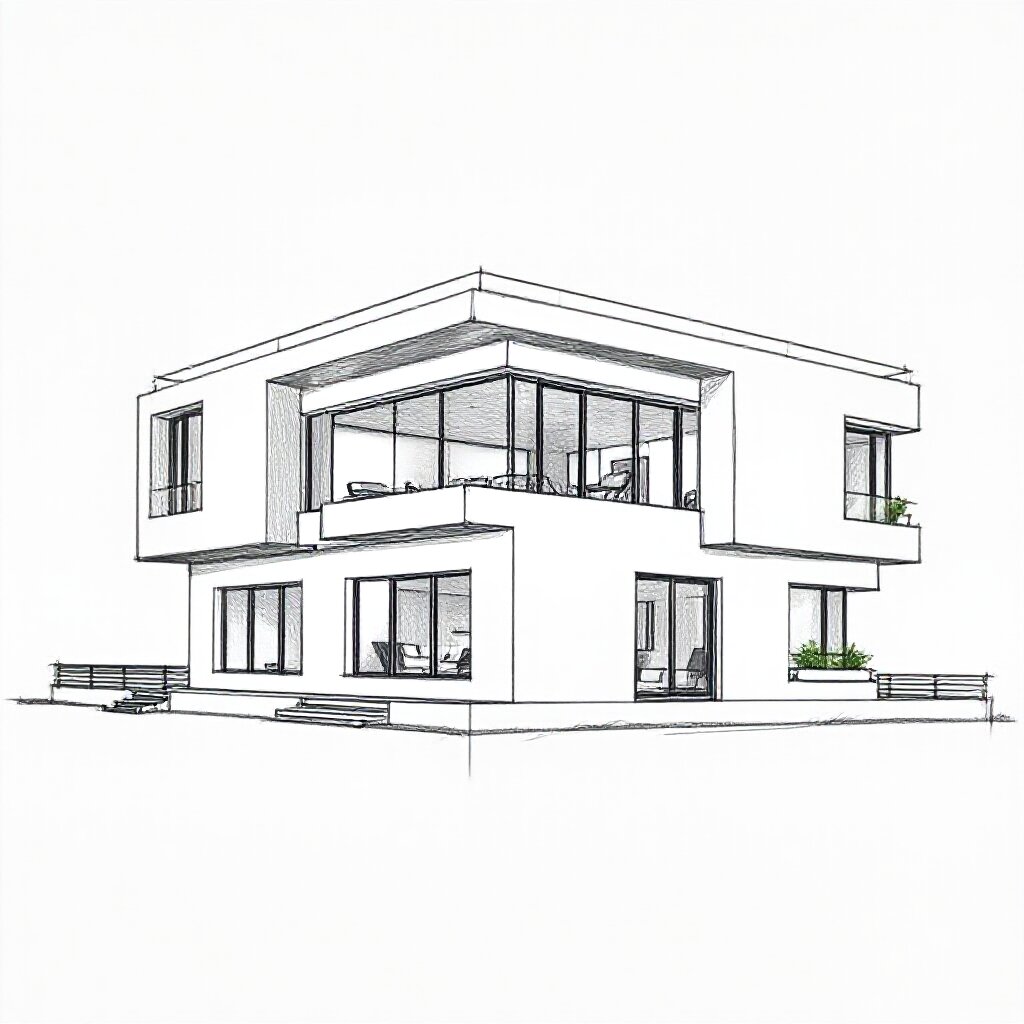
The gallery is genuinely good, with one hard limitation that decides how you use it. Across fifty images in ten styles - photography, flat illustration, watercolour, oil, cartoon, comic, 3D, abstract - the box produced work that would sit comfortably on a company website, a blog header, or a presentation slide. The photography reads as legitimate business stock; the flat, isometric, cartoon and metaphor pieces are the strongest of the set; and the model switches between styles convincingly rather than being a one-trick generator. Lighting and composition are consistently considered.
The hard limitation is text. Any image that needs a legible word, label, or caption fails completely - the treasure-map roadmap gives the game away, its flags carrying corrupted glyphs where the labels should be. This is not a rough edge to work around, it is a rule: generate images that carry no text, and add any wording afterwards in a design tool.
Two softer limits are worth naming, because a buyer should hear them before rather than after. The photography is convincing on a web page but not the micro-detailed realism of the best commercial tools at full settings - fine for a blog header, not for a magazine cover. And the watercolour came out tighter than a truly loose, gestural wash. Neither changes the recommendation.
One caveat on what this is: a considered judgement by eye, not a head-to-head benchmark. Nothing here was placed side by side with Midjourney or DALL-E 3, so any "better than" or "on a par with" should be read as opinion, not measurement. What can be said for certain is that producing this quality in seconds, locally, with nothing leaving the building, is a genuinely useful capability for anyone making their own web and presentation imagery.
Assessment conducted on the 50-image FLUX.1-schnell gallery (1024x1024px, 4-step generation, local inference on Radeon 8060S). Sample visually reviewed by eye; no automated metrics applied.
Gallery
Twelve images, one per style family, picked as a strong representative of each - a provisional selection, easy to swap. The full set of 50 remains in the data repository.










Written by Claude Code, working with Alastair McDermott. How this was made →